Calculators
Working out what a project's facts require means following one article into the next.
Enter a project's facts once, and the calculators work out what the code requires, every step shown with the article it comes from.
One page, from the facts to the report
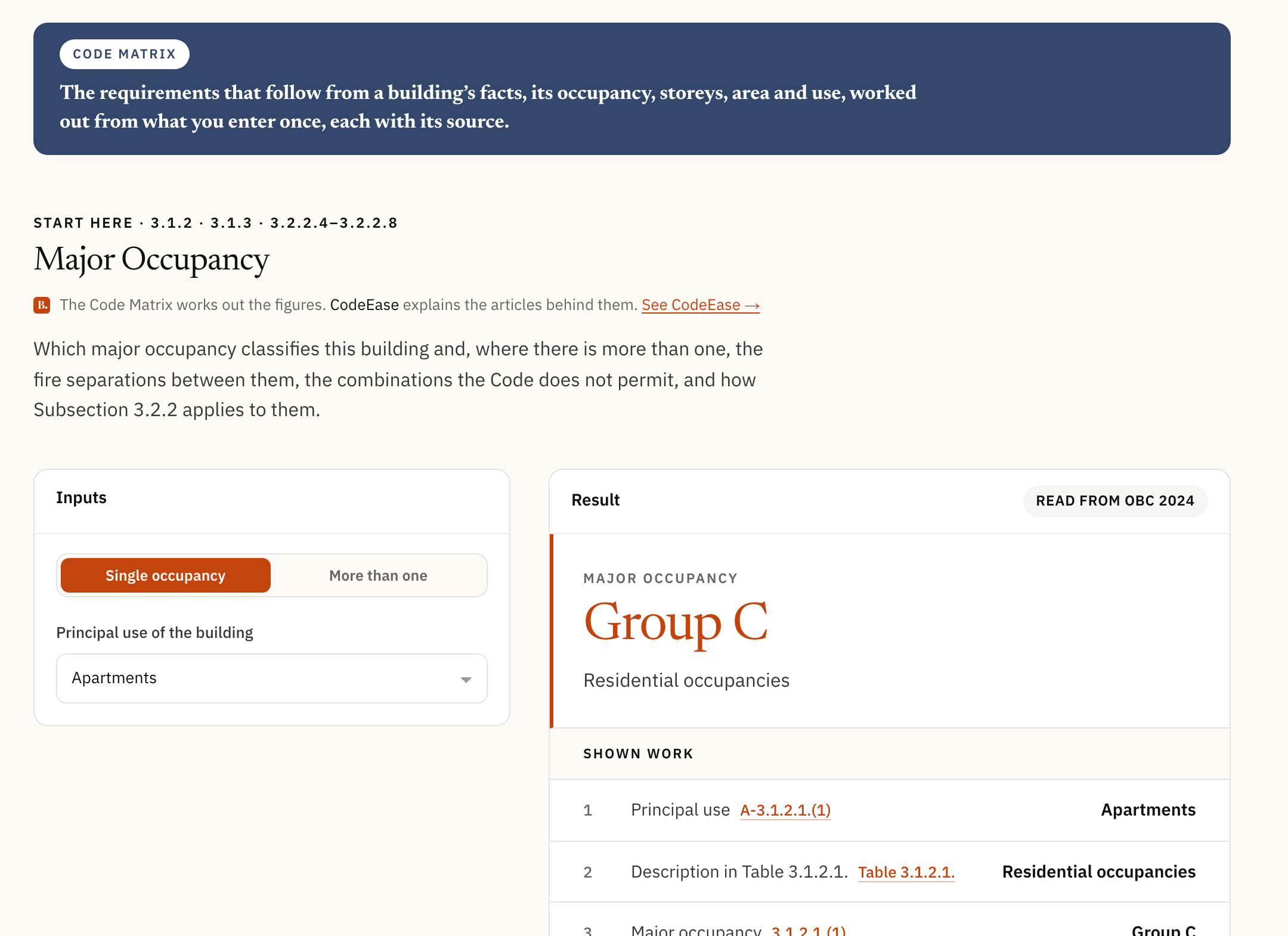
Start with Major Occupancy, Part 3 or Part 9, or Edition in Force: what classifies the project comes first.
Every calculator, checked against its articles
Our team checked every calculator against the articles it works from.
Grouped by what they work outFrom size and classification to energy and existing buildings.
The edition, namedEvery result says which edition it was read from.
Metric or imperialOne switch changes every input and figure at once.
Units in the fieldA figure is never read in the wrong unit.
What the code permitsThe options, each with the articles that allow it.
Auto-fillFills every blank the facts entered already settle, and names the calculator that worked it out.
Questions
All questions →Does it say whether my project complies?
No. It works out what the code requires from the facts entered, and shows its working. BlinKode does not decide; the people who do this work do. Approval stays with the building official.
Can I keep a project and come back to it?
Yes, with an account: each project is kept with its facts, and every calculator reads them.
Start with your project's occupancy.
Pick a calculator and enter the project's facts.